

Your AI Support Agent.Embedded Directly in YourWebsite or App
Deploy intelligent multilingual chatbots that provide 24/7 customer support and generate qualified leads. Train on your data, customize everything, and scale your business with AI automation.
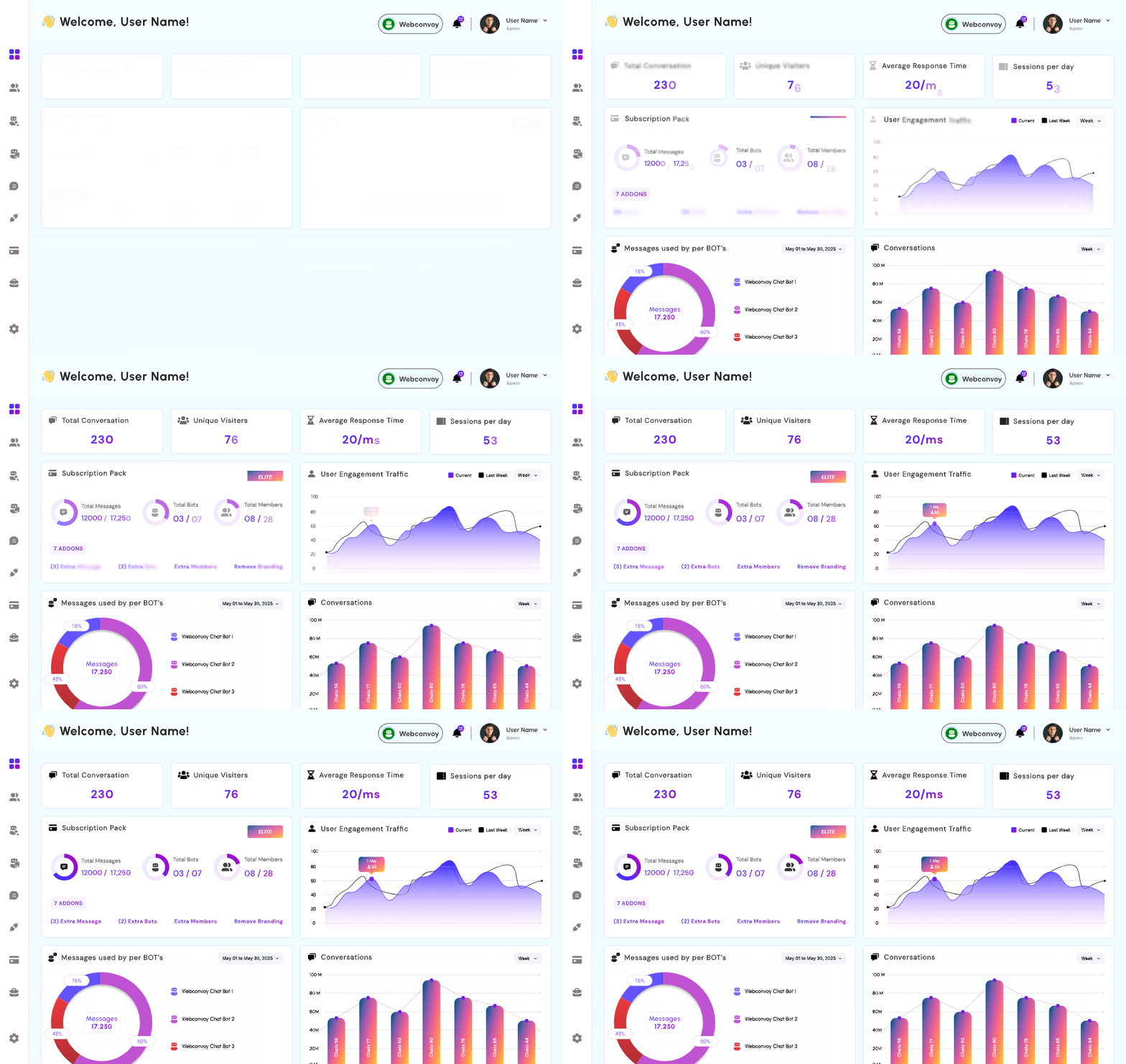
Comprehensive Real-Time Analytics Dashboard
Monitor every aspect of your bot's performance with beautiful visual dashboards and actionable insights.
Track Key Metrics in Real-Time
Get instant visibility into your chatbot's performance with comprehensive analytics that help you understand user behavior and bot effectiveness.




Subscription Pack Overview
Monitor your usage in real-time. Track tokens consumed, bot limits, and team member allocation with visual progress bars.
⚠️ You've reached your bot limit of 3
Imagine what you could do if you had an expert chatbot answering questions 24/7
Control Your Chatbot in One Place
Easy-to-use dashboard manage users, upload training files, and get real-time insights!
Interactive Chat Widget
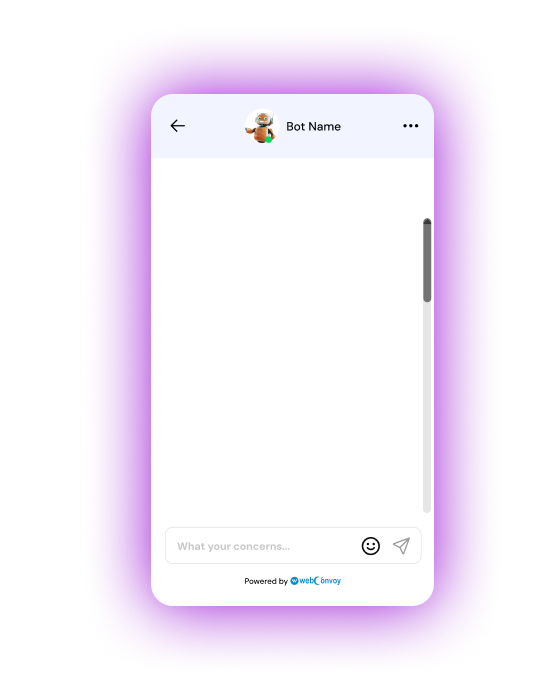
Offer a customizable chat interface that matches your client's branding, ensuring a smooth and familiar customer experience.

Multi-format Training Support
Allow clients to upload various file types (TXT, Excel, CSV,DOCX) to train the chatbot enabling it to learn from a vasr repository of internal documents and FAQs
Real-time AI Responses
Utilize advanced natural language processing to deliver instant and accurate responses , improving customer service and user engagement
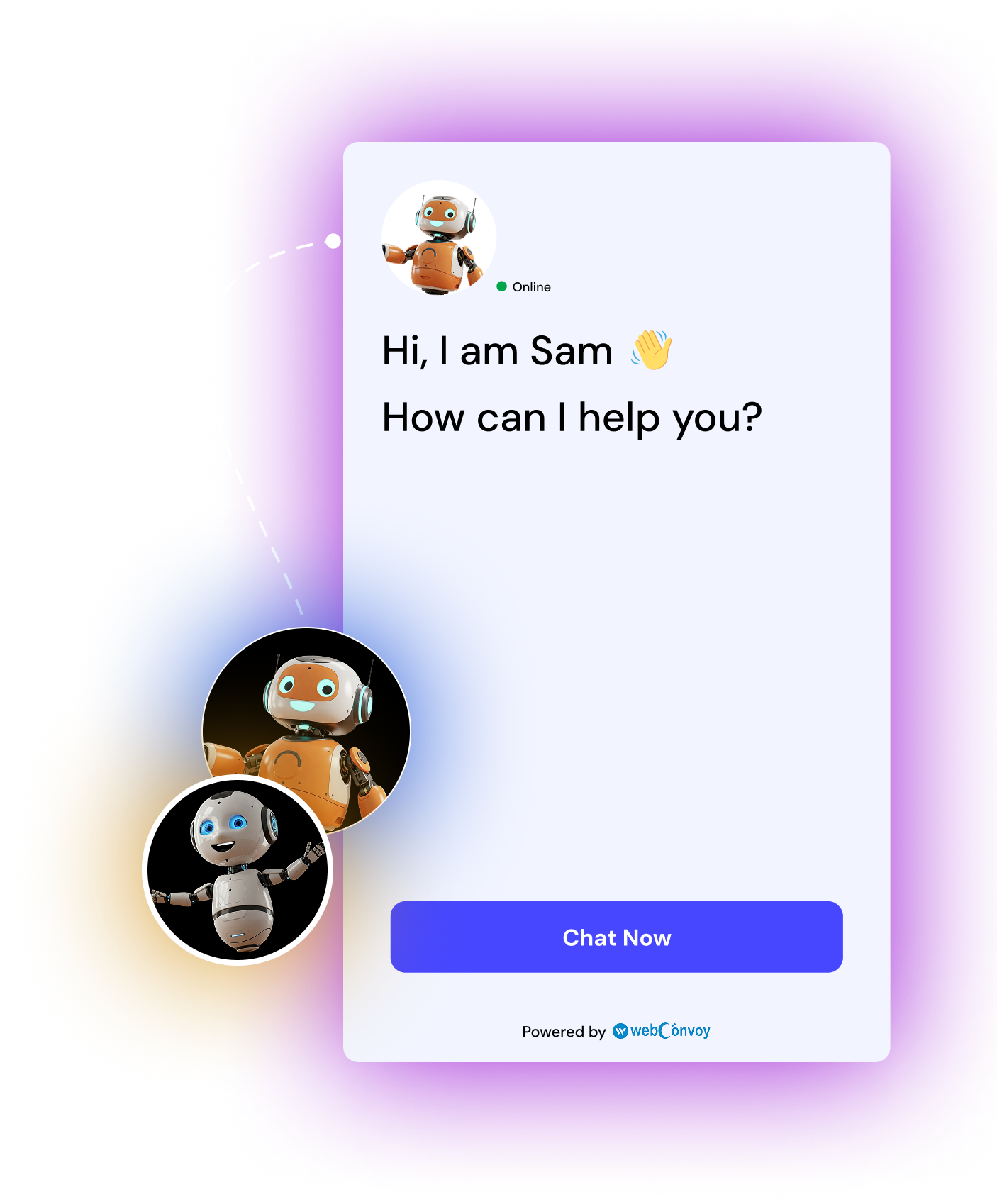
Build a custom chatbot trained on your Business Data
Supported Training Formats
Upload your business documents, FAQs, product catalogs, or let our AI crawl your entire website to extract knowledge automatically.
Text

URL

Excel

PDF

Word
FAQ’S
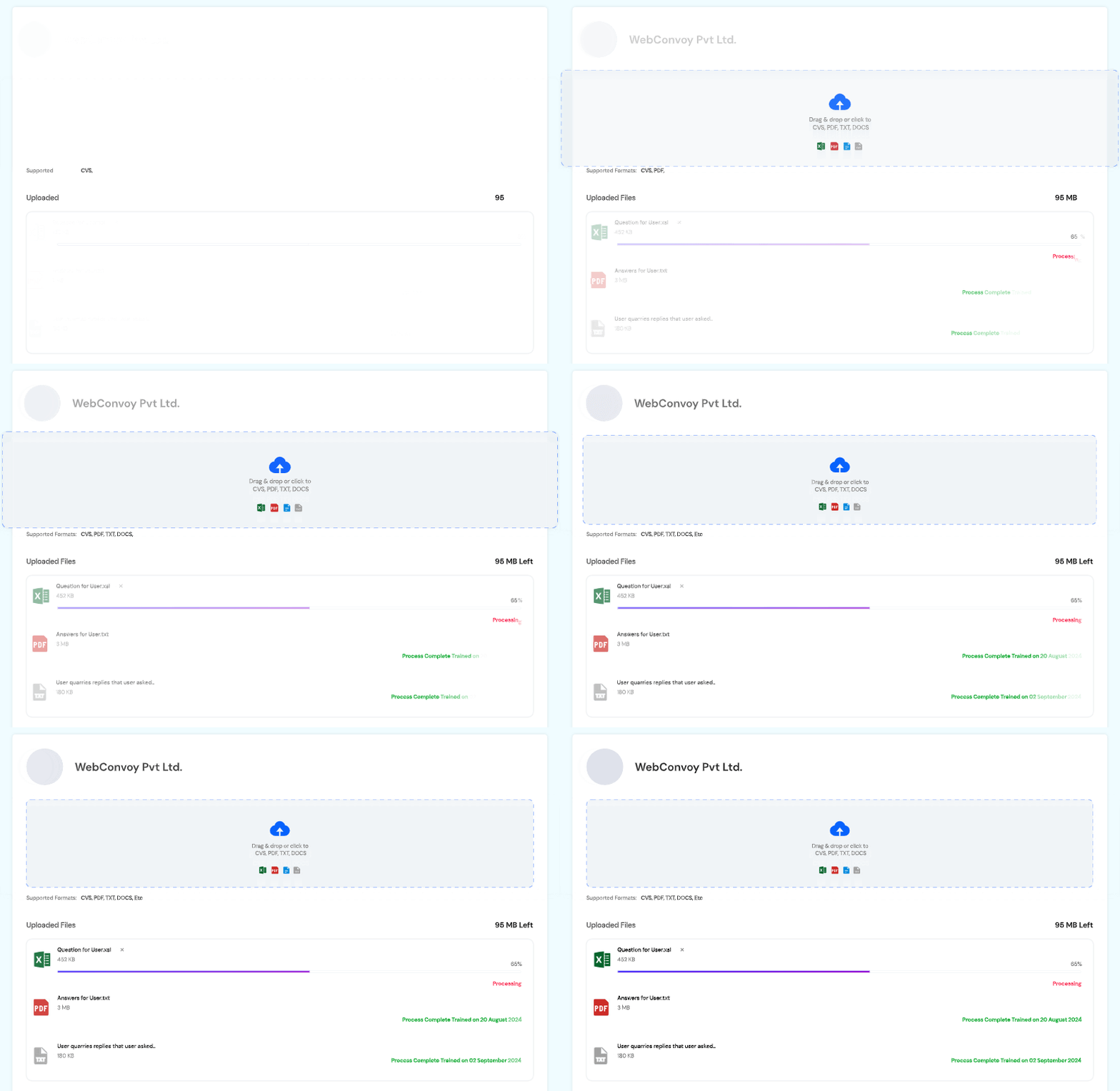
Training Limits per Plan:
- • Free: 10 MB per Bot
- • Starter: 50 MB per Bot
- • Plus: 250 MB per Bot
- • Pro: 1000 MB per Bot
Real-Time Chat Monitoring & Human Takeover
View all active conversations, see user status, and seamlessly take control when human intervention is needed.
Live Chat Dashboard
Monitor all conversations in real-time. See which users are online/offline, view message history, and track conversation flow. Users appear with their email addresses and online status indicators (green dot = online).

Instant Human Takeover
Click the "Takeover" button to instantly take control of any conversation. Bot automatically pauses responses when you're active. Send messages in any language — they'll be translated for the user in real-time.
User (Hindi): “मुझे मदद चाहिए”
You (French): “Comment puis-je vous aider?”
✓ Messages auto-translated in real-time
Advanced Lead Capture & Management
Automatically capture leads during conversations with custom fields. Track, filter, and manage leads through every stage of your sales pipeline.

New Leads
Freshly captured leads from bot conversations. Auto-generated with unique IDs like LEAD-0548EE9.
Contacted
Leads you've reached out to. Move leads between stages with simple dropdown selection.

Qualified
Pre-qualified leads ready for sales. Filter by status, source, and date for easy management.
Custom Stages
Create your own lead stages. Track custom fields like budget, location, or any data you need.
Lead Details Captured Automatically
Default Fields:
- ID
- Name
- Email Address
- Date Captured
- Conversation History
- Platform Source (Website/Mobile)
Custom Fields You Define:
- Budget Range
- Location/City
- Company Name
- Phone Number
- Product Interest
- Any custom field you need
💡 Pro Tip: Add unlimited custom fields during bot setup. Your bot will automatically ask these questions and store responses for each lead.




Instant Integration. Maximum Impact
Easy-to-use dashboard manage users, upload training files, and get real-time insights!


Why Our Bot?
AI That Understands, Learns, and Delivers.
Real-Time Responses
Deliver instant answers to your users with AI that responds in milliseconds. No waiting, no delays — just smart, conversational replies that keep users engaged and satisfied, 24/7..

Trained on Your Data
Upload TXT, CSV, JSON, PDF, DOCS, and more format and our bot learns directly from it. You’re in control of what it knows, ensuring accurate, responses tailored to your business.

Easy Integration
Add the chatbot to your website or app in minutes using our clean, developer-friendly API. No technical headaches — just copy, paste, and you’re ready to go live.
Create Your Custom AI Bot in 3 Simple Steps
Design and deploy your intelligent chatbot with complete customization options, No coding required.

Design & Customize
Create your bot’s visual identity with full customization control.
- Upload custom bot avatar
- Choose from 5 theme colors
- Select widget position (4 options)
- Top–Left, Bottom–Left
- Top–Right, Bottom–Right
- Custom position offsets

Bot Training & Setup
Define your bot’s personality, goals, and lead capture strategy.
- Select a profession (e.g. Doctor, Support, etc.)
- Establish personality and tone (150 words)
- Outline business objectives (500 words)
- Create personalized lead fields
- Contact Name, Email Address, Budget, Location
- Include unlimited custom fields

Deploy & Integrate
Get your unique API key and widget code for instant deployment
- Generate unique API key
- Copy widget integration code
- Add trusted domains
- Paste before closing </body> tag
- Bot goes live instantly
- Works on any website/app
Continuous Learning with Feedback & Fallback Tracking
Monitor bot performance and improve accuracy with comprehensive feedback collection and fallback analysis.
User Feedback System
Track satisfaction scores in real-time
Collect user ratings after each conversation. View feedback as a percentage (0-100%) with visual donut charts showing satisfaction levels.
- ✓Real-time feedback collection
- ✓Percentage-based satisfaction scores
- ✓Visual donut chart representation
- ✓Filter feedback by date and bot
- ✓Identify improvement areas quickly
- ✓Export feedback data for analysis
Fallback Tracking
Identify unanswered questions
Monitor questions your bot couldn't answer. View fallback count with line graphs showing trends over time. Use this data to improve training.
- ✓Track all unanswered queries
- ✓Time-based fallback count graphs
- ✓Identify knowledge gaps
- ✓See exact questions users asked
- ✓Retrain bot with missing information
- ✓Reduce fallback rate over time
Most common missed topics:
Team Collaboration with Role-Based Access
Invite team members via email with custom roles. Control permissions and manage who can access what features.

Admin
Full access to all features including billing, team management, and bot configuration.
- Create and delete bots
- Invite/remove team members
- Access all analytics
- Manage subscriptions
- Configure integrations
- Export all data

Editor
Can train bots, modify settings, and manage content without access to billing.
- Upload training data
- Edit bot personality
- Customize widget design
- View analytics
- Manage leads

Support Agent
Specialized role for handling customer conversations and live chat takeovers.
- View live chats
- Takeover conversations
- Reply to messages
- View lead information
- Basic analytics access

Viewer
Read-only access to monitor bot performance and view reports.
- View analytics dashboards
- See conversation history
- Read lead information
- Export reports

Analyst
Full access to analytics, reports, and insights without bot configuration rights.
- Advanced analytics access
- Create custom reports
- View all metrics
- Export data

Manager
Team oversight with lead management and performance monitoring capabilities.
- Manage leads
- View team activity
- Monitor performance
- Access all reports
How Team Invitations Work
AI That Understands, Learns, and Delivers.

Send Invitation
Enter email address and select role from dropdown menu. Click 'Send Invites' button.

Email Received
Team member receives invitation email with access link and role details.

Accept & Join
Member accepts invitation and gets instant access based on assigned role.
Simple Integration in 3 Steps
Deploy your AI chatbot on any website or application with just a few lines of code. No backend development required.

Generate API Key
Click “Generate API Key” in your dashboard. Each bot gets a unique key.

Copy Widget Code
Get your custom widget code with the API key embedded. Copy the script tag.

Paste & Go Live
Paste the code before the closing </body> tag on your website. Bot goes live instantly!
Sample Integration Code
<!DOCTYPE html>
<html lang="en">
<head>
  <meta charset="UTF-8">
  <title>Chatbot Widget Test</title>
</head>
<body>
  <div id="chatbot-root"></div>
  <script
    src="https://widget.gamaa.ai/widget.js"
    data-bot-api-key="YOUR_UNIQUE_API_KEY"
    data-element-id="chatbot-root">
  </script>
</body>
</html>
Trusted Domains
Add your website domains for security. Bot only works on verified domains you specify.

Work Everywhere
Compatible with any website, web app, or mobile app. No framework limitations.
Seamless API Integration Across All Platforms
Works With Your Favorite Platforms
Our AI chatbot connects effortlessly with your existing digital ecosystem. Whether it’s a website, mobile app, or third-party tool, integration is smooth and lightning-fast using our Robust API. Simply copy and paste the API lines of code, and your bot is live — ready to answer user queries, offer support, and enhance customer experience across every touchpoint. No complex setup. No tech headaches. Just smart AI where your users already are.
Start a free trial


Everything You Expect From a Modern AI Bot
Persistent , Personality, Leaning & 24x7 Working

Persistent Memory
Hold chat history for hours and reply according to it, also trained on user data.
Personality Selection
Describe the tone your bot speaks in — always present, available, and ready in no time.

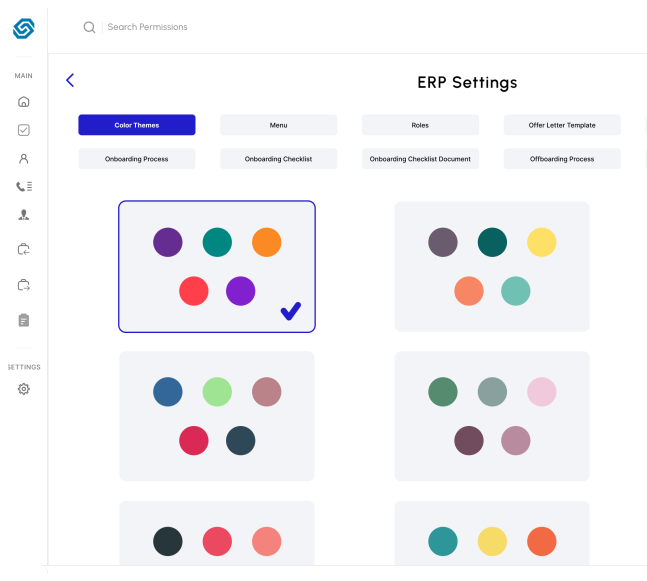
Selection Bot Personality
Learning Directly From Chat
Continuously learning from chat and gets smarter every time
Takeover the Real-Time Chats of Bots
Describe the Tone that Bot Speaks Ton of Present Available to Ready in No Tone
Get Smarter Decisions Today
Use data-driven insights to optimize customer interactions and boost your business outcomes
Pricing plans
Experience premium AI chatbot capabilities at a price that makes sense for businesses of all sizes and industries.
Ready to See Our AI Chatbot in Action?
Schedule a personalized demo to explore how our AI solutions can transform your business..